

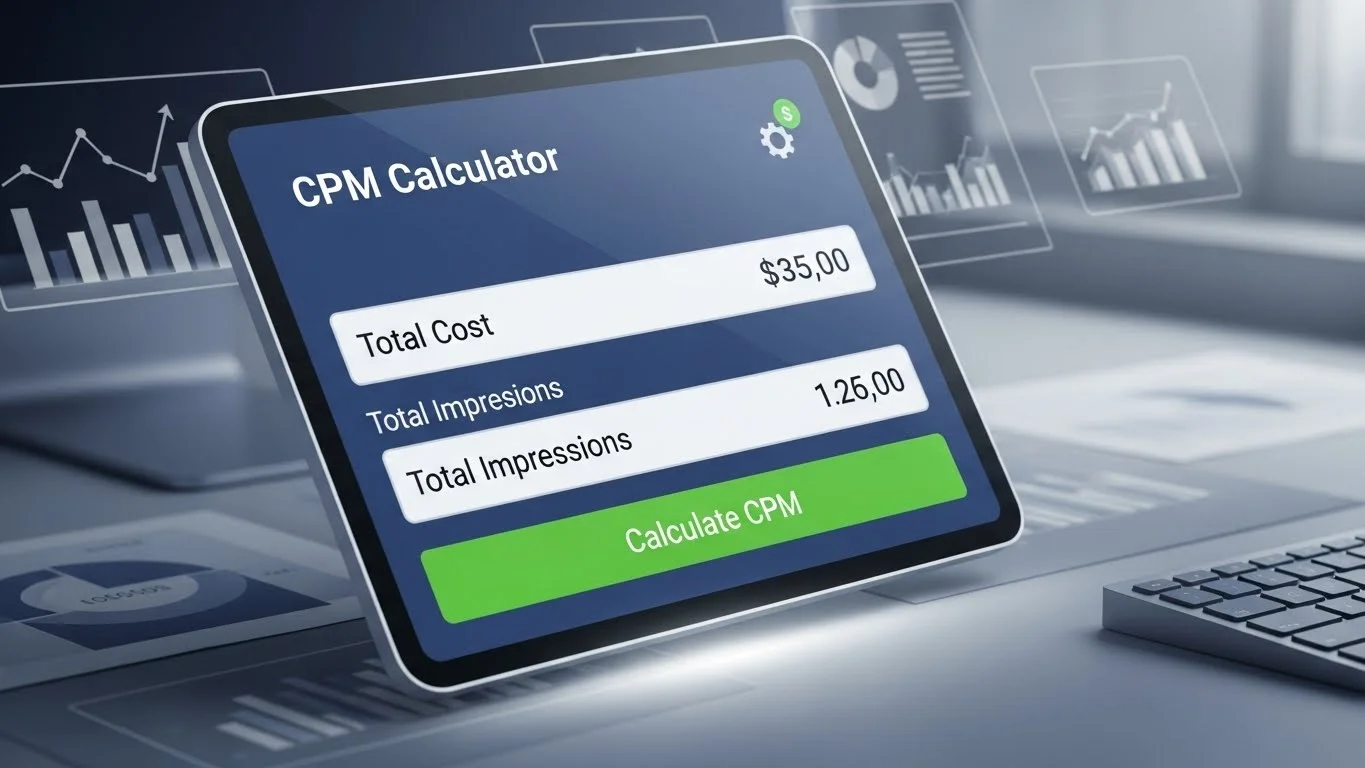
Rising CPMs, opaque pricing from ad platforms, and messy spreadsheets make it hard to know if campaigns are profitable or just burning budget.
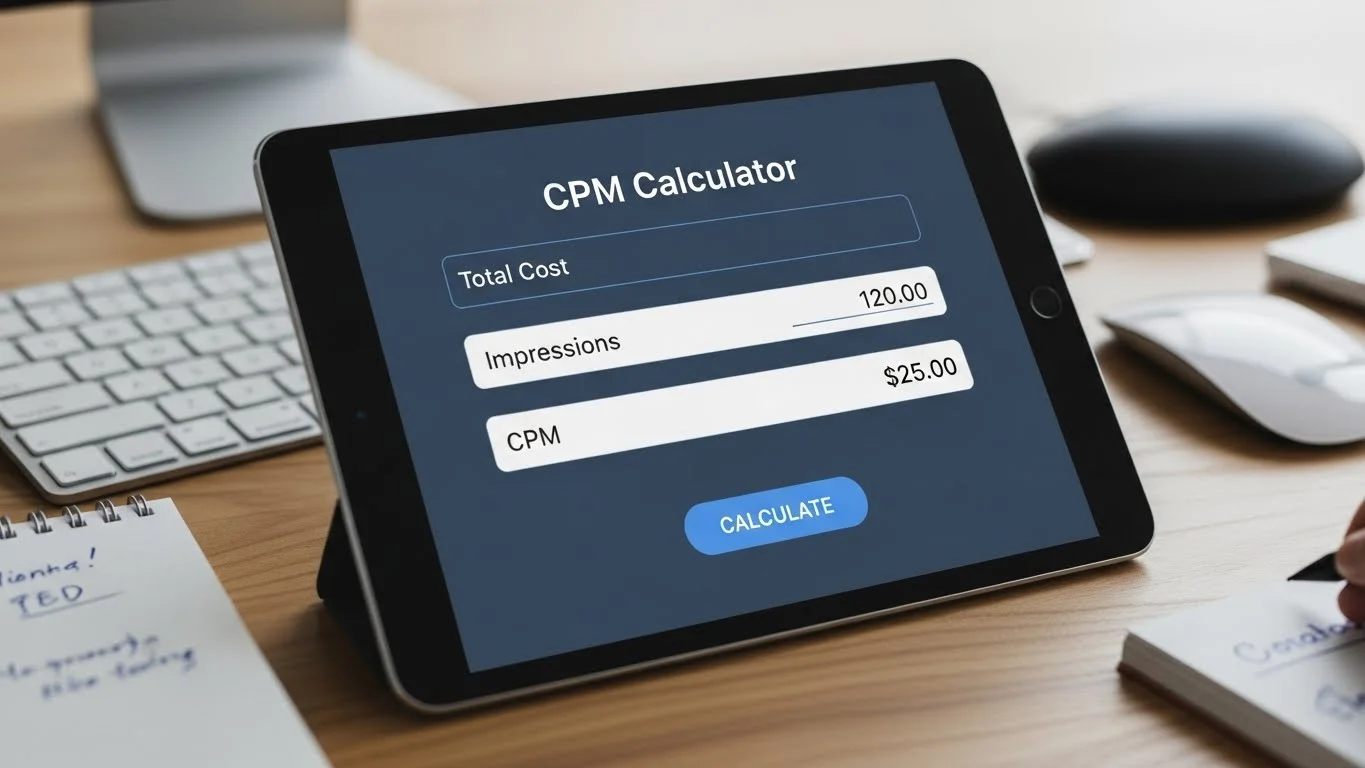
Many advertisers and publishers feel stuck:
they see impressions and spend, but still can’t clearly answer what they paid per thousand impressions, whether that CPM is healthy, or how to plan the next campaign with confidence.
This CPM calculator guide is built around those pain points so you can quickly turn confusing metrics into clear, actionable numbers that support smarter decisions.
What Is a CPM Calculator?
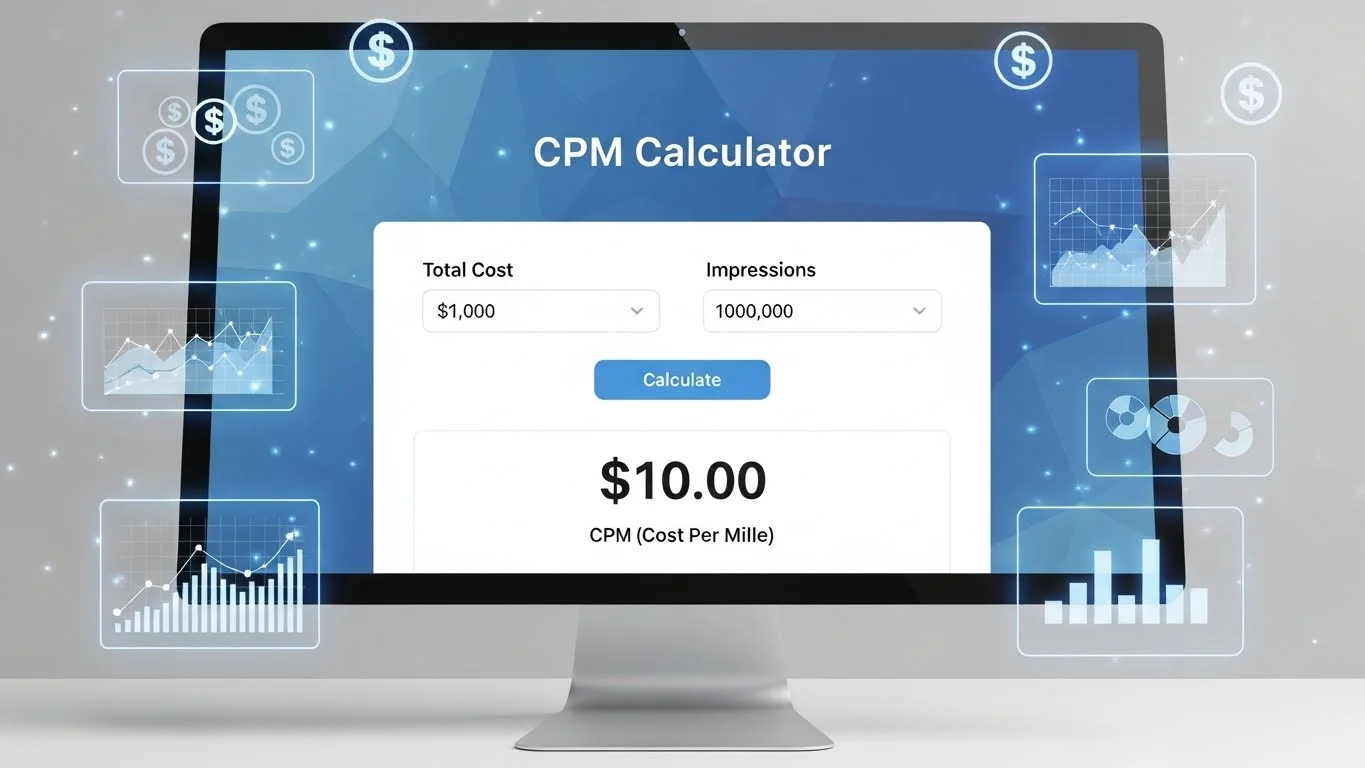
A CPM calculator is a focused online advertising calculator that shows how much you pay per 1,000 impressions or helps you reverse-calculate total cost or impressions from your CPM.
It removes the need for manual spreadsheets, which is a major frustration for marketers trying to get quick answers in fast-moving campaigns.
CPM means cost per mille, or cost per thousand impressions.
It is a core metric across display, video, and social ads for comparing how expensive different audiences, placements, and platforms are.
When you are unsure whether a proposal is overpriced, or you need to justify budget to a client or manager, a CPM calculator turns those questions into simple, transparent outputs.
How the CPM Calculator Works (Without the Math Headache)
Behind the scenes, the tool uses a simple CPM formula connecting three values:
total cost, impressions, and CPM. You provide any two, and the calculator returns the missing one, acting as a quick CPM calculation tool that fits into your daily workflow.
Core formulas:
CPM (cost per thousand impressions)
CPM=(Total CostImpressions)×1000Total ad cost
Total Cost=(CPM×Impressions1000)Impressions
Impressions=(Total CostCPM)×1000
Because the calculations are handled instantly, you avoid the error-prone manual math that often leads to wrong CPM assumptions and bad budget decisions.
How to Use the Cost Per Mille Calculator Step by Step
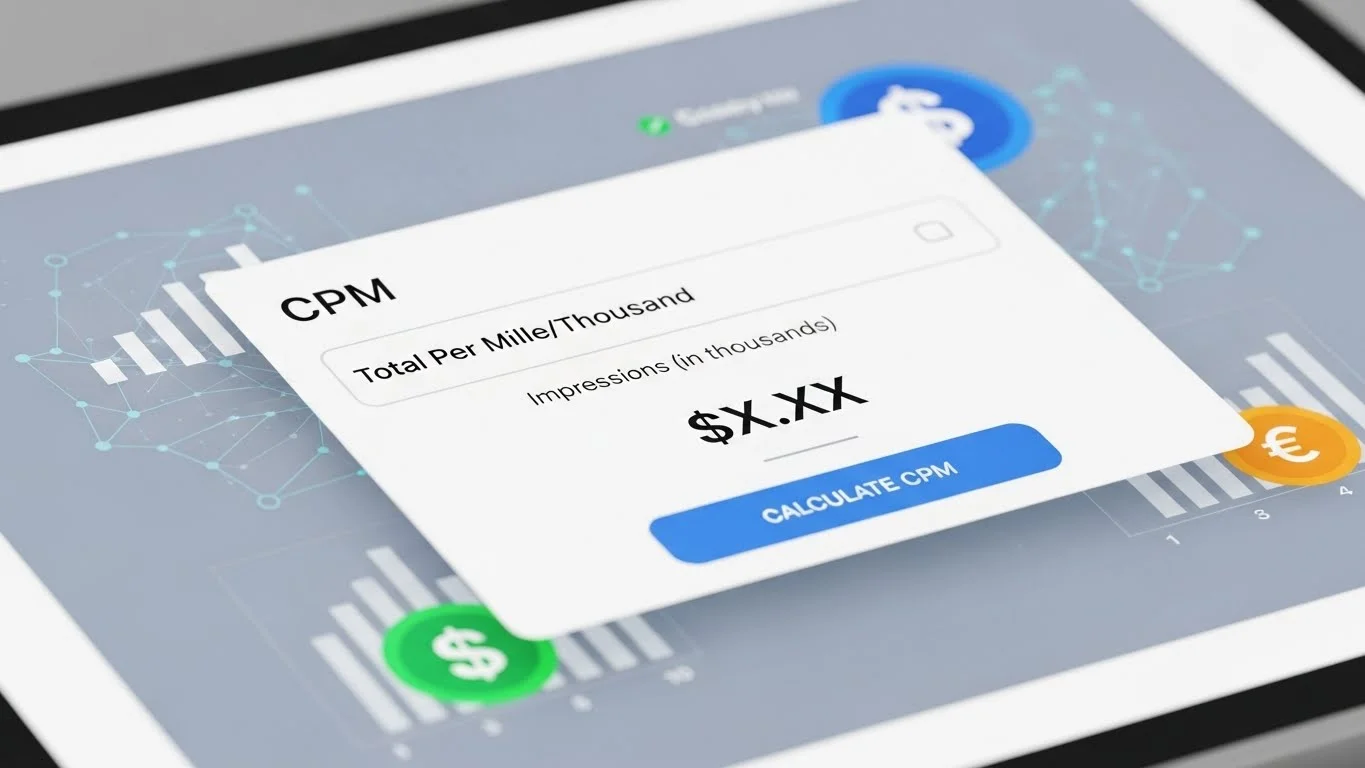
The digital advertising calculator is designed to answer your core pain-point questions quickly:
“What will this cost?”, “What did I actually pay?”, and “How many impressions can I afford?”.
Decide what you want to find:
CPM (cost per thousand impressions)
Total campaign cost
Number of impressions
Type your known values into the cost per mille calculator:
Total ad spend
Total impressions
Target or actual CPM
Hit “Calculate” and get the missing value instantly.
Tweak budgets, CPMs, and impression goals multiple times to compare realistic scenarios before you commit spend.
Used this way, the tool becomes a fast ad budget calculator that directly addresses planning and forecasting pain points.
Advertiser Pain Points This CPM Calculator Targets
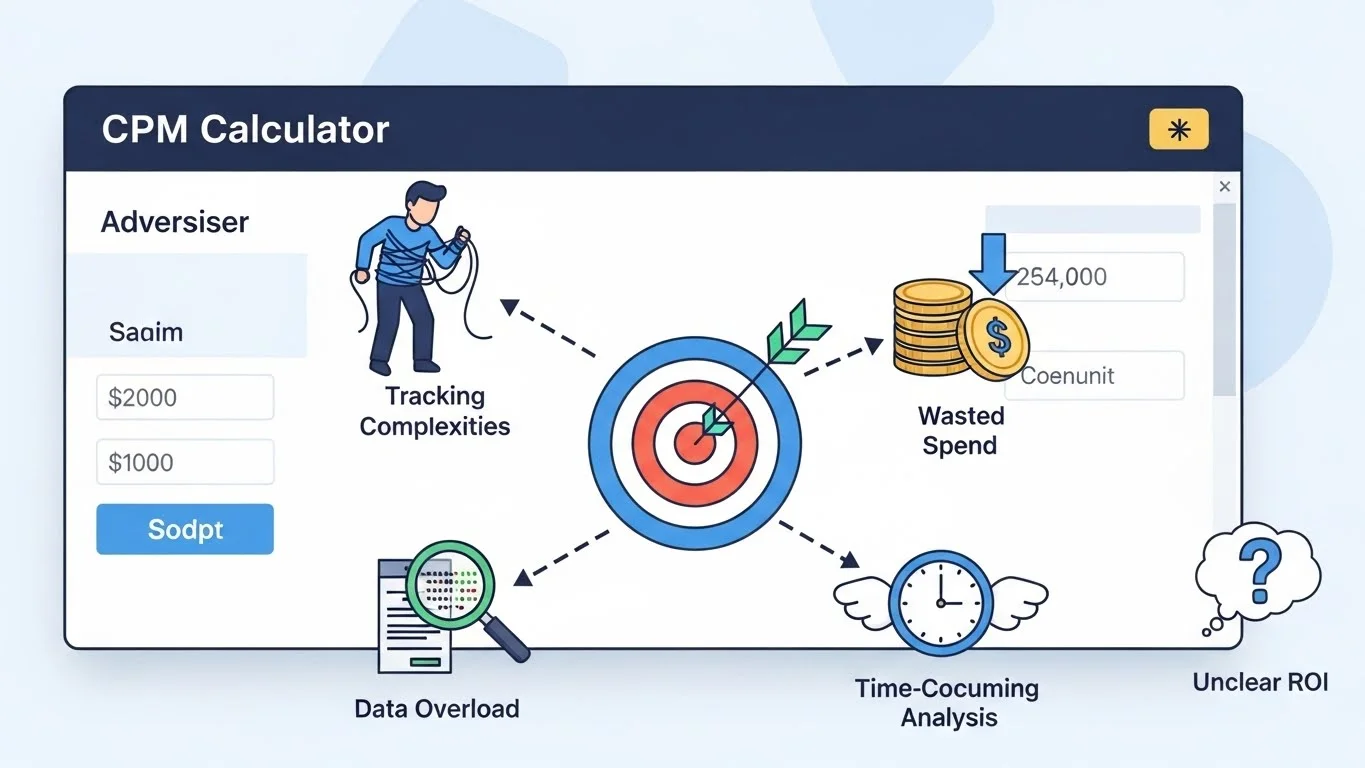
Media buyers and marketers often feel they are guessing rather than planning, especially when platforms show complex reports but not clear cost per thousand impressions for each scenario.
Key advertiser pain points:
Not knowing if a quoted CPM is fair for a specific geo, device, or placement.
Struggling to turn client budgets into realistic impression forecasts and expectations.
Losing hours building and updating spreadsheets just to do CPM math.
How the CPM calculator solves these:
As an ad campaign cost calculator, it converts CPM and impressions into immediate cost estimates so you can see if a proposal fits your budget.
As an impressions calculator, it answers “How much reach can we get for this spend at this CPM?” without spreadsheet work.
As a CPM optimization helper, it lets you quickly line up campaigns and spot which ones are burning budget at unreasonably high CPMs.
The result is less guessing, clearer conversations with clients and stakeholders, and faster go/no-go decisions on campaigns.
Publisher CPM Calculator: Fixing Revenue Uncertainty

Publishers face similar pain points but from the revenue side:
CPM volatility, unclear yield across placements, and difficulty forecasting revenue.
Core publisher pain points:
CPMs jumping up and down across countries, devices, and partners.
No quick way to translate impression forecasts into expected revenue.
Challenges explaining pricing and revenue expectations to management or sales teams.
How the cost per thousand impressions calculator helps:
Works as a publisher CPM calculator to translate impressions and CPM into projected revenue per placement or partner.
Supports scenario planning, so you can see how different CPMs or floor prices impact total revenue before you commit.
Makes it easier to show stakeholders clearly why certain CPMs or inventory packages are more valuable than others.
This reduces the uncertainty around yield and helps you focus on high-value inventory instead of chasing volume blindly.
CPM vs CPC: Aligning Pricing With Your Goals
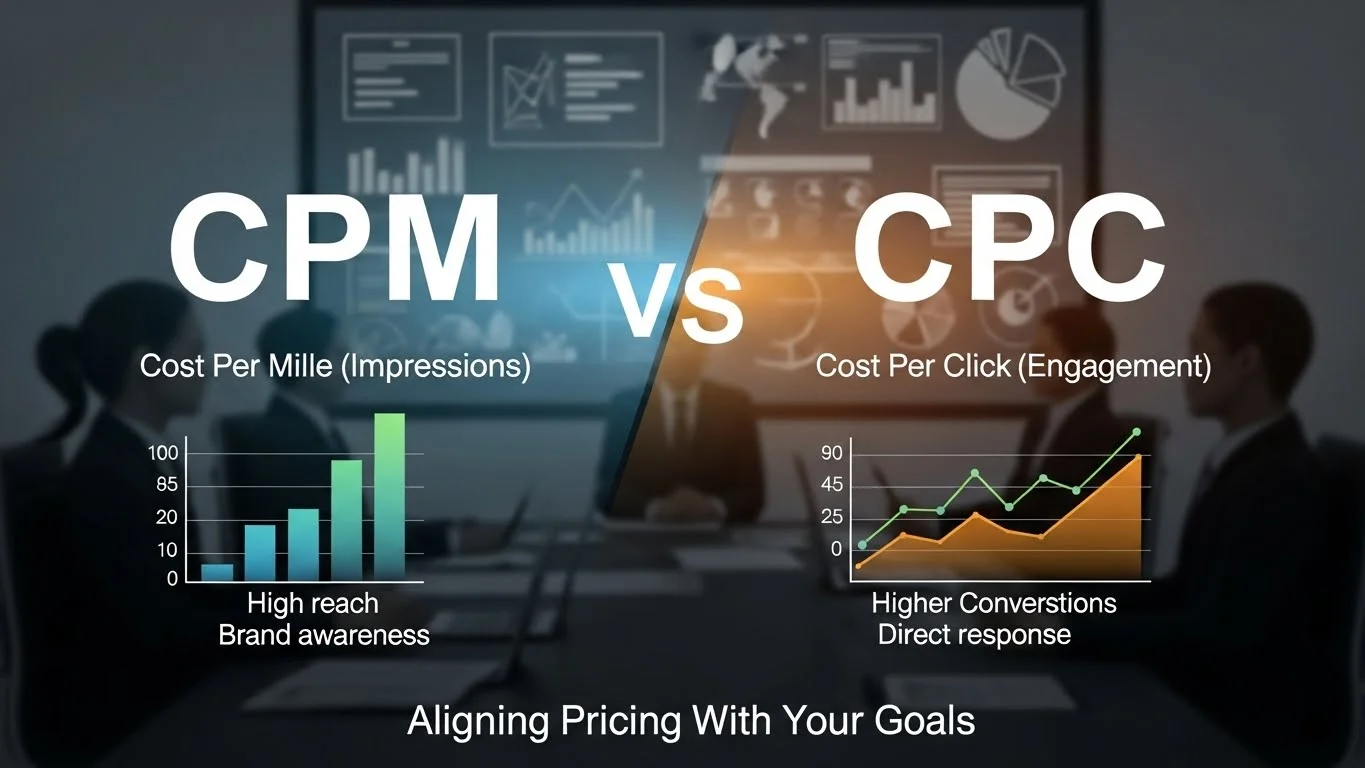
Another pain point is choosing between CPM and CPC when goals are mixed or unclear.
Without clarity, teams end up with the wrong pricing model and disappointing results.
Simple comparison:
CPM (cost per thousand impressions):
Best when your main goal is reach, views, and awareness.
You pay every time your ad is shown, regardless of clicks.
Better when you want to drive visits and direct engagement.
You pay only when users click.
Using a consistent CPM calculation tool lets you understand the true cost of impressions and compare CPM-based deals with CPC-driven campaigns, reducing the risk of picking the wrong model for your objective.
Real CPM Calculation Examples That Mirror Your Decisions

Seeing real-style numbers makes it easier to trust the CPM calculator and plug in your own data.
Advertiser scenario:
A team receives a proposal with estimated impressions and a total budget; they run the numbers through the CPM calculator and see the cost per thousand impressions instantly, making it easier to compare that offer with other channels.Publisher scenario:
A publisher is evaluating a direct deal; by inputting the proposed CPM and projected impressions into the cost per mille calculator, they quickly confirm if expected revenue aligns with internal targets.
These examples reflect the real decisions people make every week: approve campaigns, negotiate deals, and set realistic expectations.
Practical Ideas for CPM Optimization

Once you are using the calculator regularly, you can start tackling deeper performance pain points like inefficient spend and weak inventory.
Helpful actions:
Tighten targeting so you pay CPM where high-intent or high-value audiences live instead of broad, low-conversion segments.
Test creative formats and placements that tend to deliver better engagement and viewability, which often improves effective cost per thousand impressions.
Benchmark channels and partners using the same CPM calculation tool; shift budget away from consistently overpriced inventory and toward placements that balance CPM with strong downstream results.
This turns the calculator from a simple utility into a core part of your optimization workflow.
Why This CPM Calculation Tool Supports Trust and Better Decisions

When budgets are tight and stakes are high, tools need to be transparent and reliable, not black boxes.
The CPM formulas follow widely accepted definitions of CPM and cost per thousand impressions, matching how leading ad platforms calculate these metrics.
The interface is designed for both advertisers and publishers, so one CPM calculator supports planning, forecasting, and review on both sides of the table.
Clear, human-friendly explanations around the tool reduce confusion and help you avoid misreading numbers or misjudging CPM levels.
Combined with your own analytics and goals, this cost per mille calculator directly addresses the pain points of unclear costs.
Manual math, and risky decisions, giving you a simple, repeatable way to move from raw data to confident action.